Compose layout
One service per Compose file is often enough. Group containers only when they are tightly coupled, such as an
application plus its database. This keeps restarts and upgrades contained.
Use named volumes for real state. Keep container names and networks simple so troubleshooting is obvious from
`docker compose ps` and `docker compose logs`.
nginx reverse proxy basics
Let nginx handle the public hostname and TLS termination. Forward the standard headers so the upstream service
knows the external scheme and host. Keep routing host-based unless there is a strong reason to route by path.
location / {
  proxy_pass http://app:3000;
  proxy_set_header Host $host;
  proxy_set_header X-Forwarded-For $proxy_add_x_forwarded_for;
  proxy_set_header X-Forwarded-Proto $scheme;
}
Volumes and backups
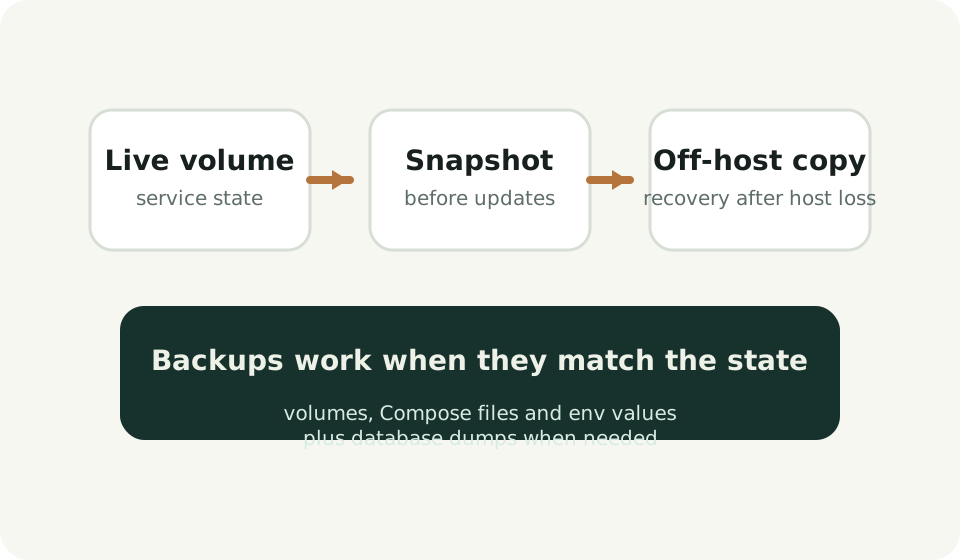
Back up the state that would actually hurt to lose: application data, repositories, uploads, configuration and
database contents when a separate database exists. The Compose file and env values should travel with those
backups because they explain how the service was wired together.
Env files and secrets
Keep environment values in a local file beside the Compose definition. Do not spread settings across many
layers unless the stack is already large enough to justify it. For a small VPS, clarity usually wins.
Updates and rollback
Upgrade one service at a time. Read the release notes, take a quick backup, pull the new image and restart.
Keep the previous image tag and last working Compose file close by so rollback is fast if a migration goes
badly.
Health checks
Add health checks when they represent the real readiness of the service. A shallow TCP check is better than no
signal, but an application-aware endpoint is better if the software provides one.
Logs
Keep logs easy to view before trying to centralize them. On a small host, container logs plus nginx access and
error logs are often enough. The first goal is to shorten incident investigation, not to build a logging
platform.
When to split hosts
Split services across hosts when one machine becomes a bottleneck for memory, disk growth or operational
change risk. Until then, a single well-structured VPS is often easier to operate than several partial systems.